 KidsPlaner
For journalists, bloggers and creators
KidsPlaner press kit
Facts, texts and images you can use without asking first. Questions or interview requests: mail@thorsten-stark.de.
Every screenshot in full resolution (iPhone light and dark, iPad, App Store images), the app icon, and the texts on this page as a text file. Deutsche Fassung des Presskits
Facts
| App | KidsPlaner |
|---|---|
| App Store name | “KidsPlaner: School Timetable” (English), “KidsPlaner: Stundenplan” (German) |
| What it does | A school schedule app for parents: each child gets their own periods, subjects, holidays and events, also shown in a Home Screen widget. |
| Price | Free with no ads, every core feature without limits. KidsPlaner Pro is an optional one-time in-app purchase (sharing the schedule with other people, calendar import), no subscription, works with Family Sharing. |
| Platforms | iPhone and iPad, iOS and iPadOS 26 or later. Sync through iCloud. |
| Languages | English, German |
| Category | Education · rated 4+ |
| First released | 19 February 2026 |
| Current version | 1.4.1, released 18 September 2026 |
| Privacy | No account, no sign-up, no ads. Schedules stay on the device and in the user's private iCloud. |
| Developer | Thorsten Stark, independent iOS developer, Berlin, Germany |
| App Store | apps.apple.com/app/id6759072161 |
| Website | www.kidsplaner.de |
Ready-to-use texts
Use and shorten them as you like.
One sentence
KidsPlaner is a free school schedule app for parents on iPhone and iPad: every child gets their own periods, subjects and holidays, right on the Home Screen as a widget.
One paragraph
KidsPlaner helps families with school-age children keep track of schedules, holidays and school events. Parents enter each child's schedule once; from then on it shows up in Home Screen widgets, in Siri and in an overview of the whole school year. Each child can have their own times, subjects and holidays, in case the schools run on different bells. The app is free and has no ads. KidsPlaner Pro, a one-time purchase, adds sharing with a second parent and importing holidays from a calendar.
The full story
In many families the school schedule lives as a photo in the camera roll or a note on the fridge. With two children at two schools, different start times and different holidays, that turns into a search every morning while the school bags get packed.
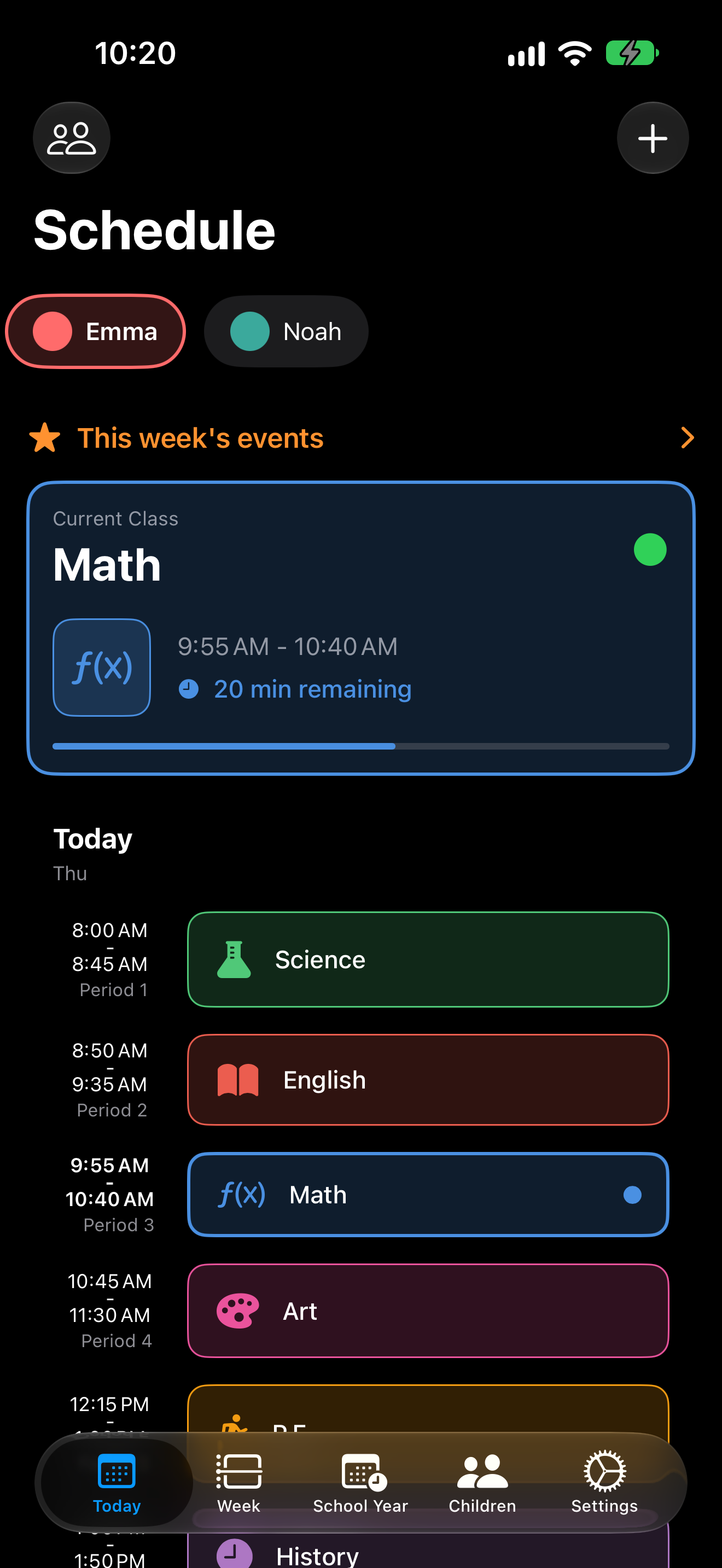
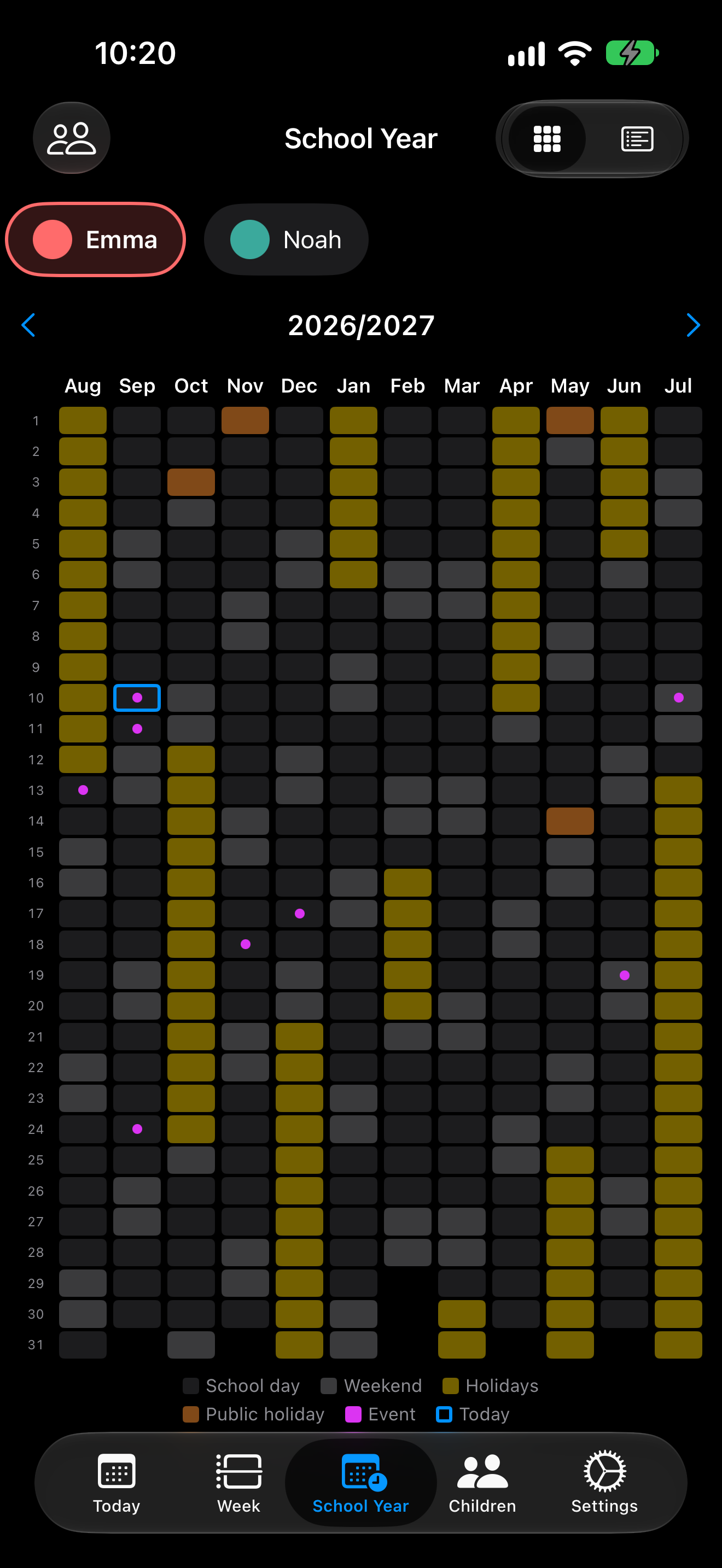
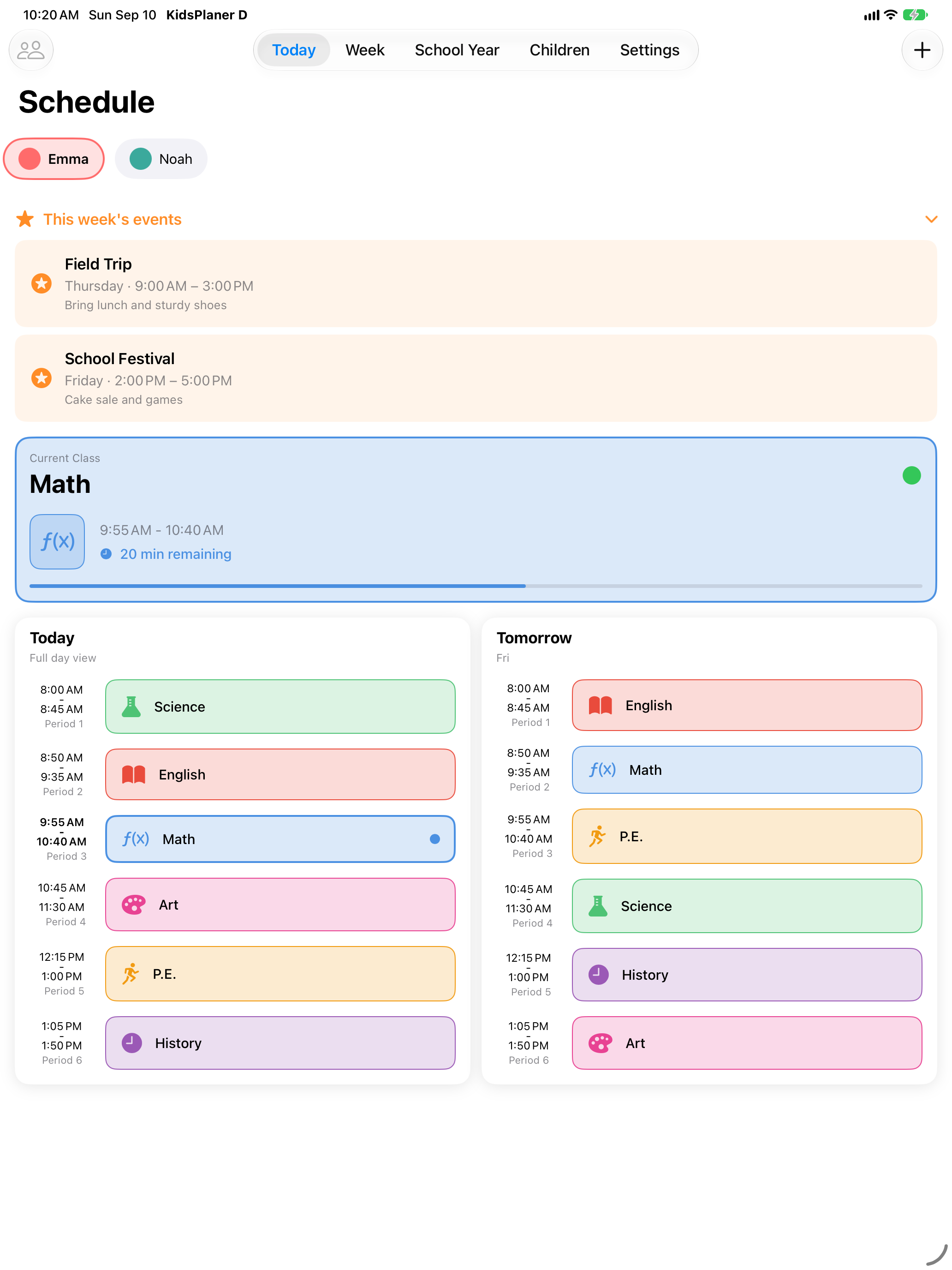
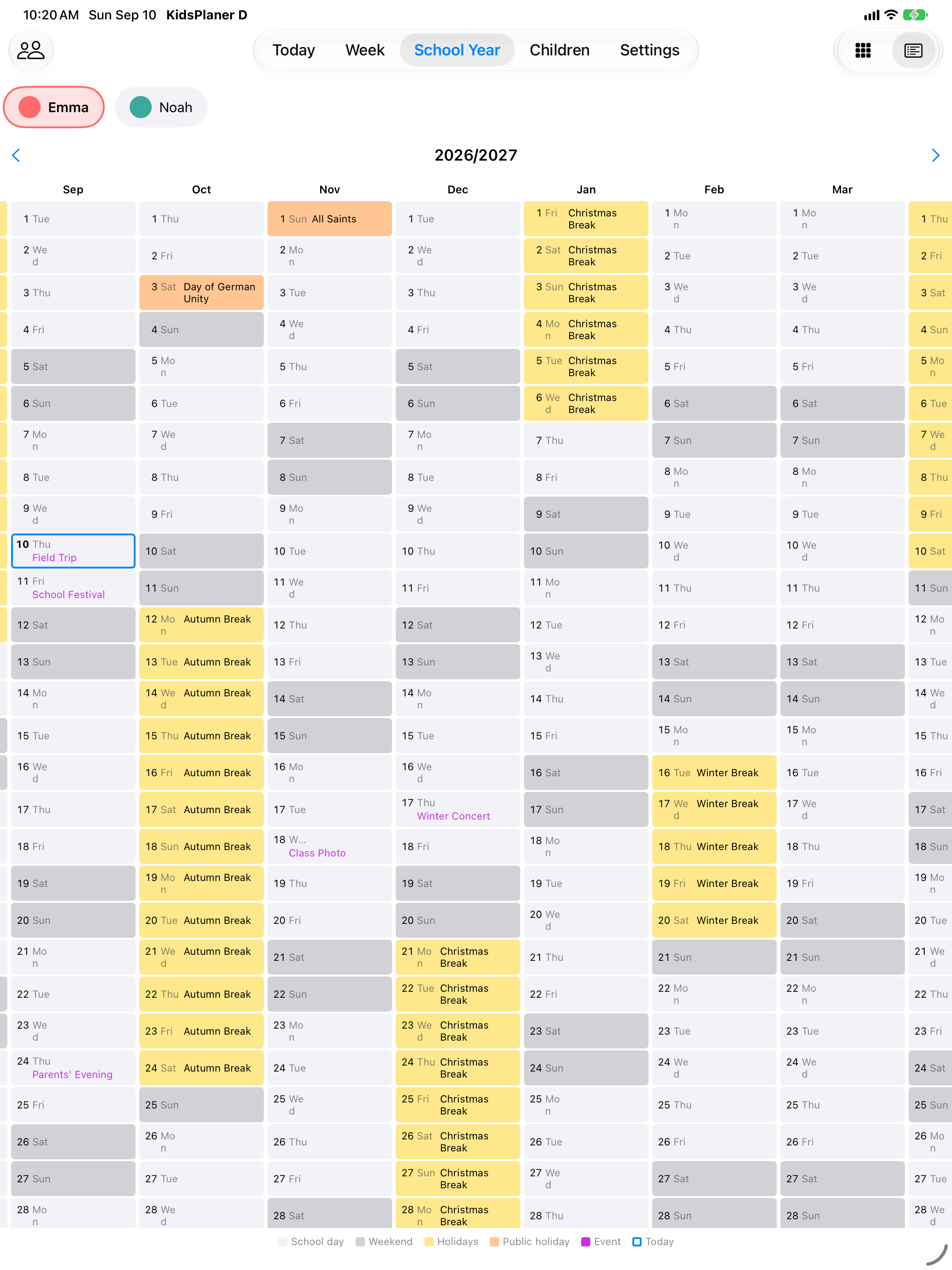
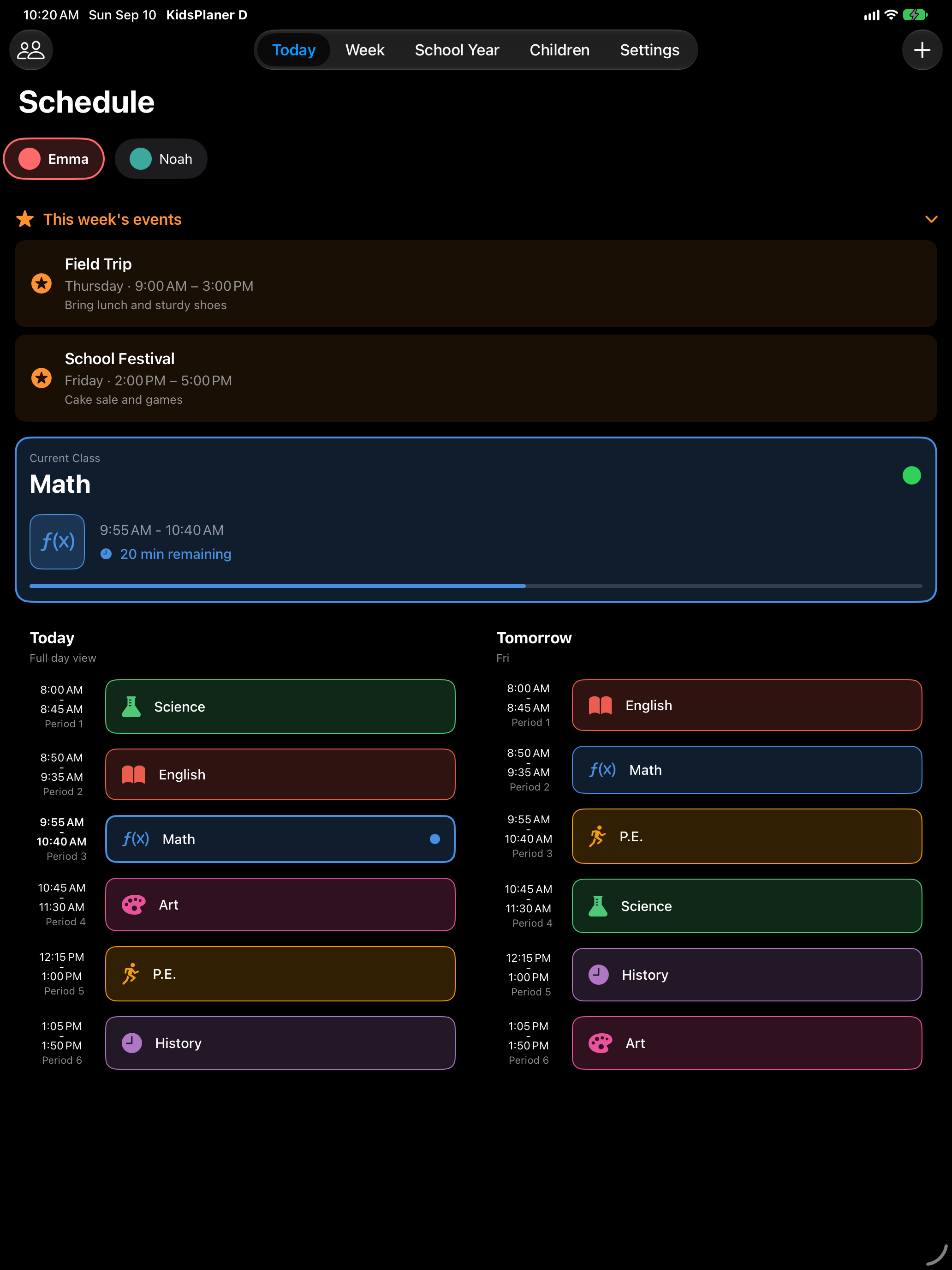
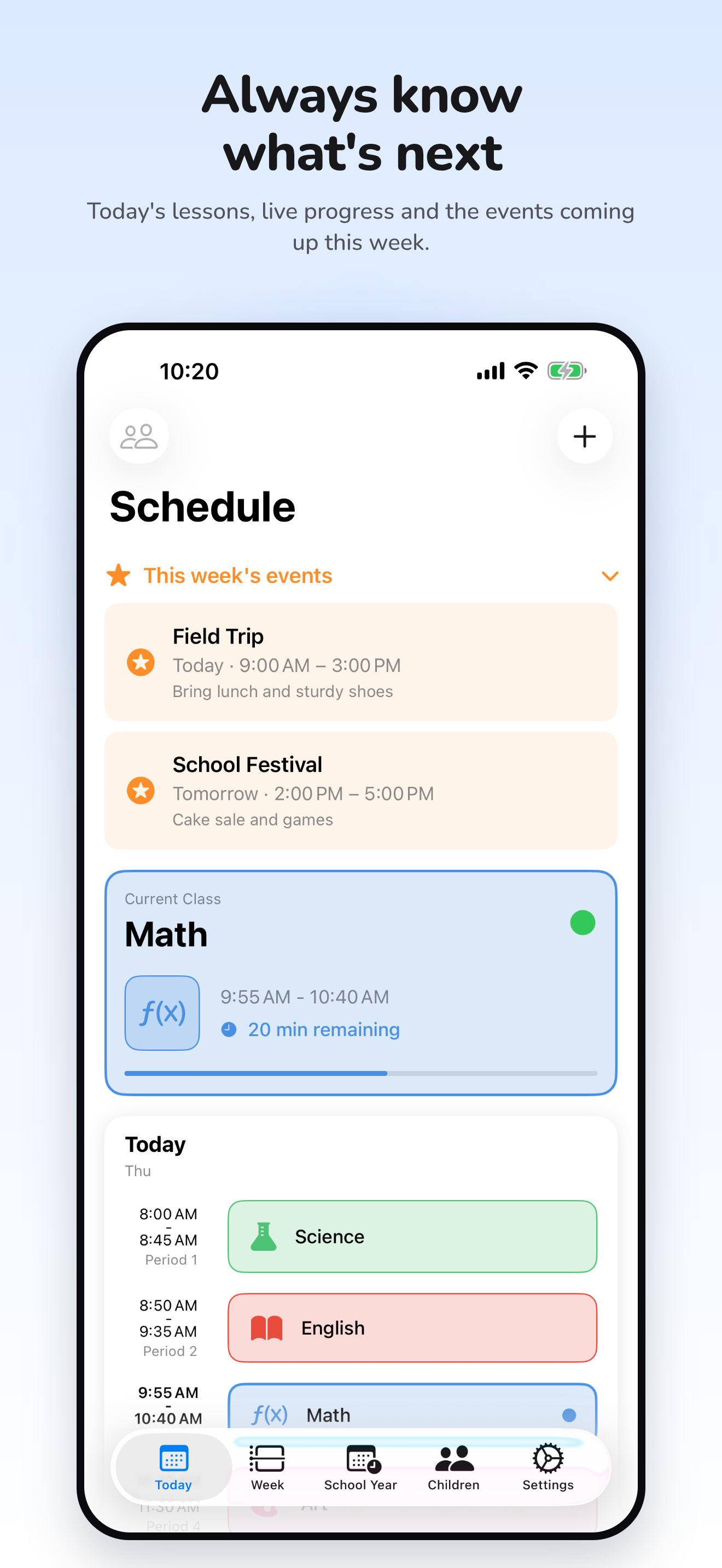
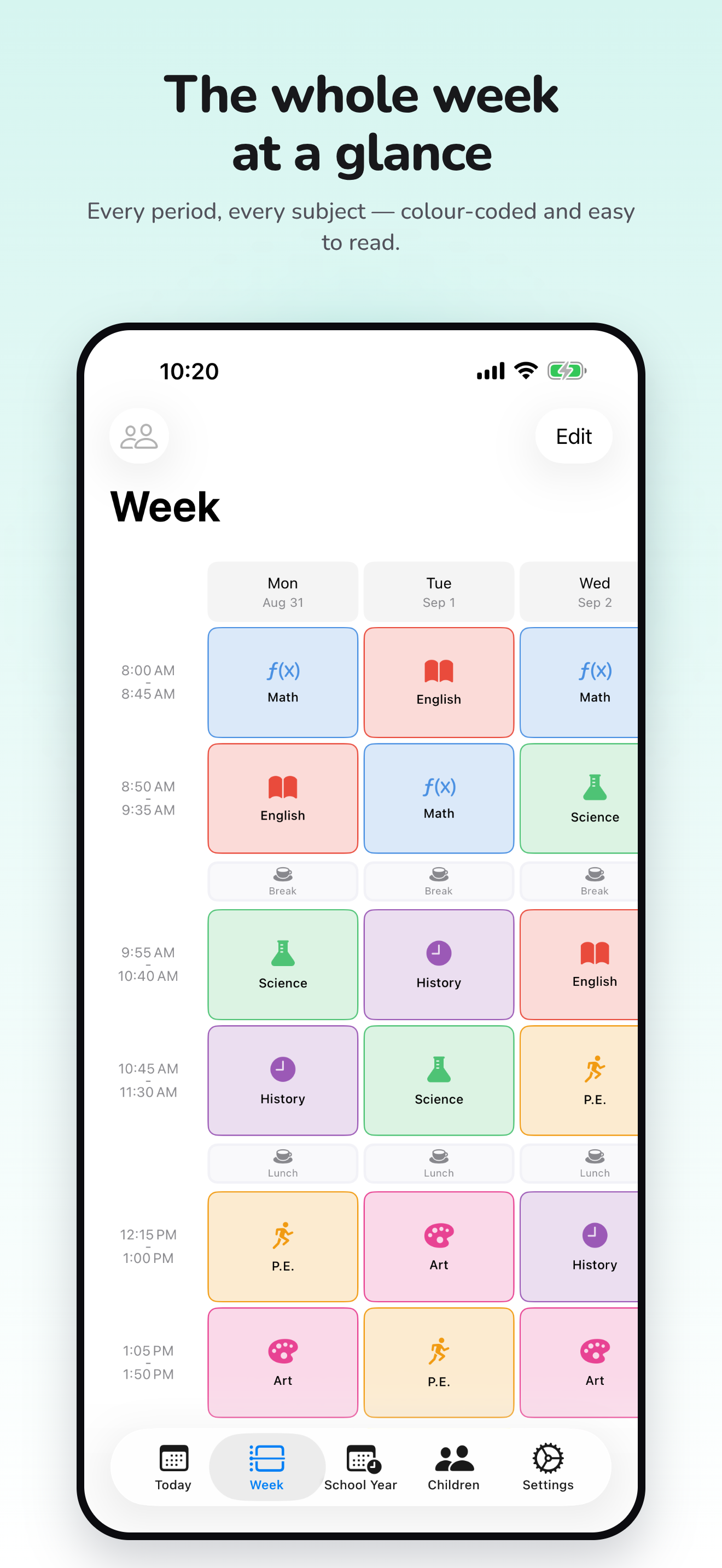
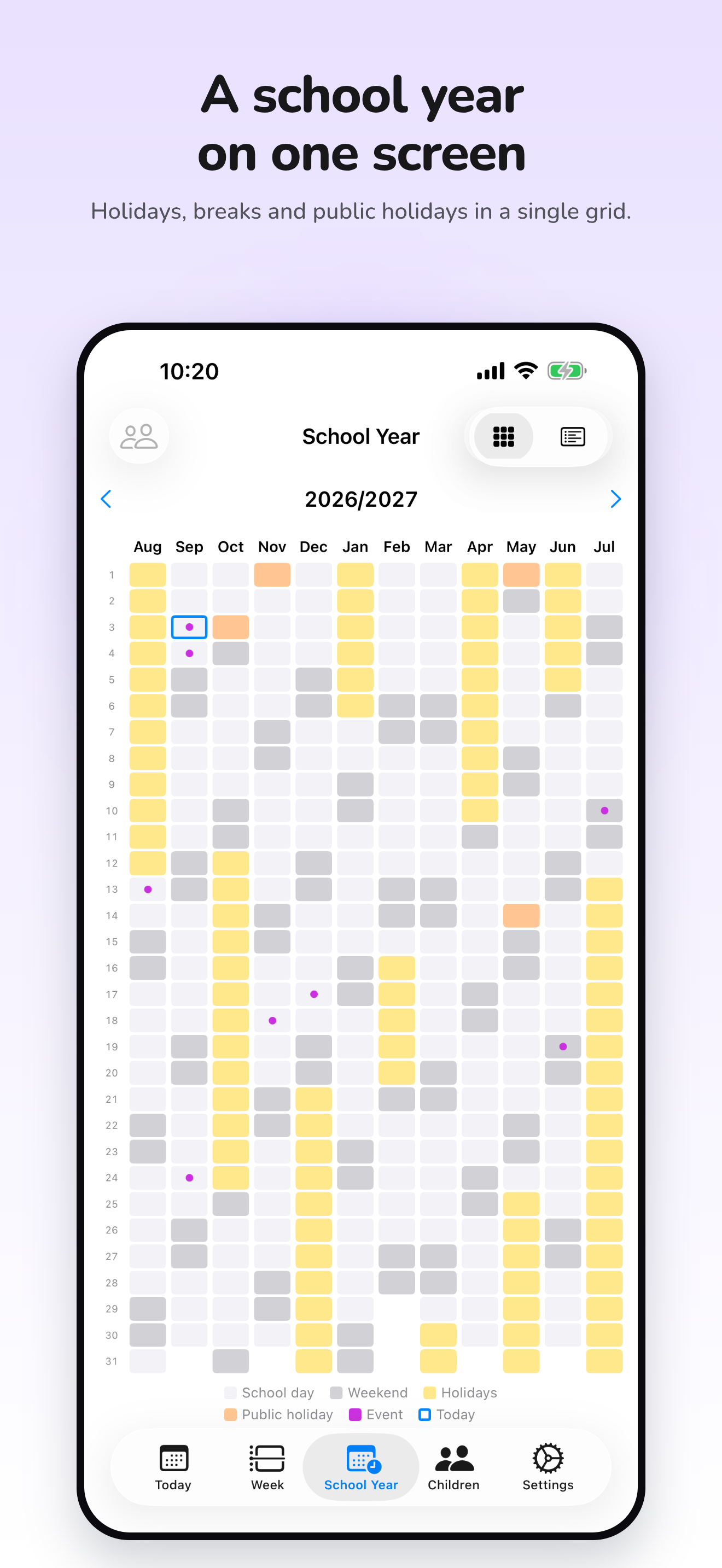
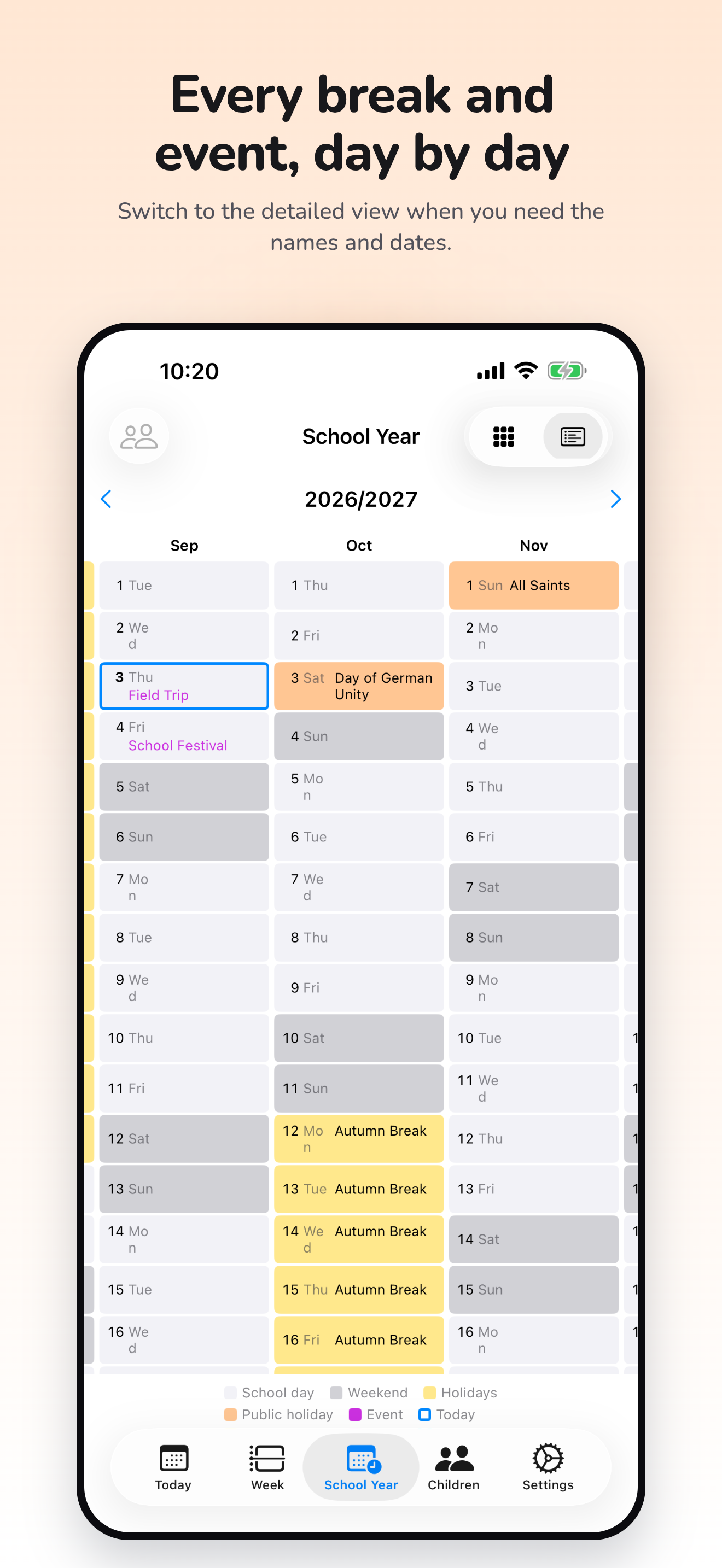
KidsPlaner gives every child a profile with its own colour, period times, breaks and subjects. The Today view shows the lesson in progress with a progress bar and what comes next, and in the evening it already shows tomorrow. If tomorrow is a day off, the app says so instead of listing empty rows. The school year view puts every month side by side, with holidays, public holidays and events like field trips or parents' evenings.
The schedule sits in a Home Screen widget, one child per widget, and Siri answers “What's next?” without opening the app. On iPad KidsPlaner uses two columns, iCloud keeps iPhone and iPad in sync, and the schedule works offline.
Version 1.4 added two KidsPlaner Pro features: sharing a child's schedule with a second iCloud account, read-only or editable, and pulling school holidays from a calendar the user already subscribes to. Whoever accepts an invitation does not need Pro. Everything else stays free.
Features
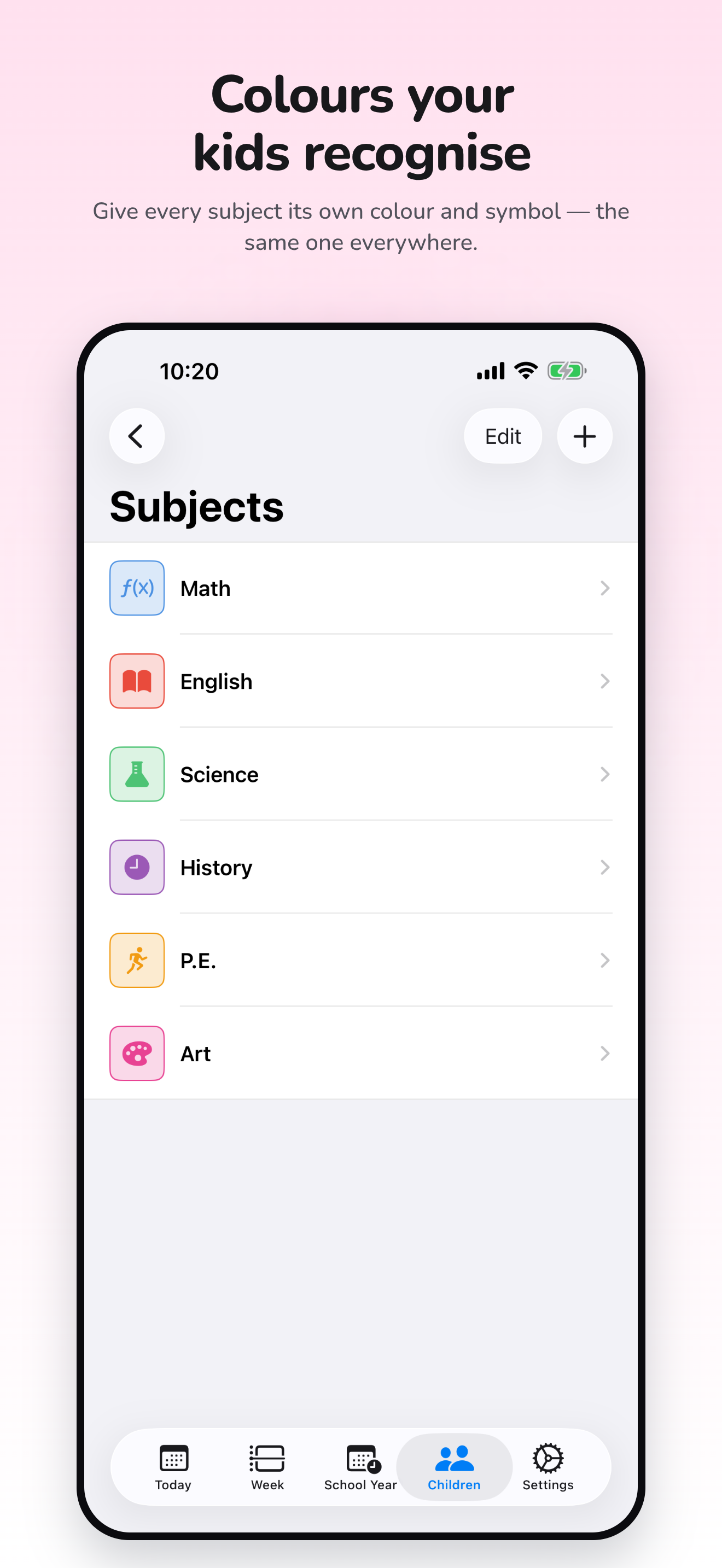
- Any number of children, each with their own colour, period times, breaks and subjects.
- Today view with the current lesson and its progress, tomorrow's schedule in the evening.
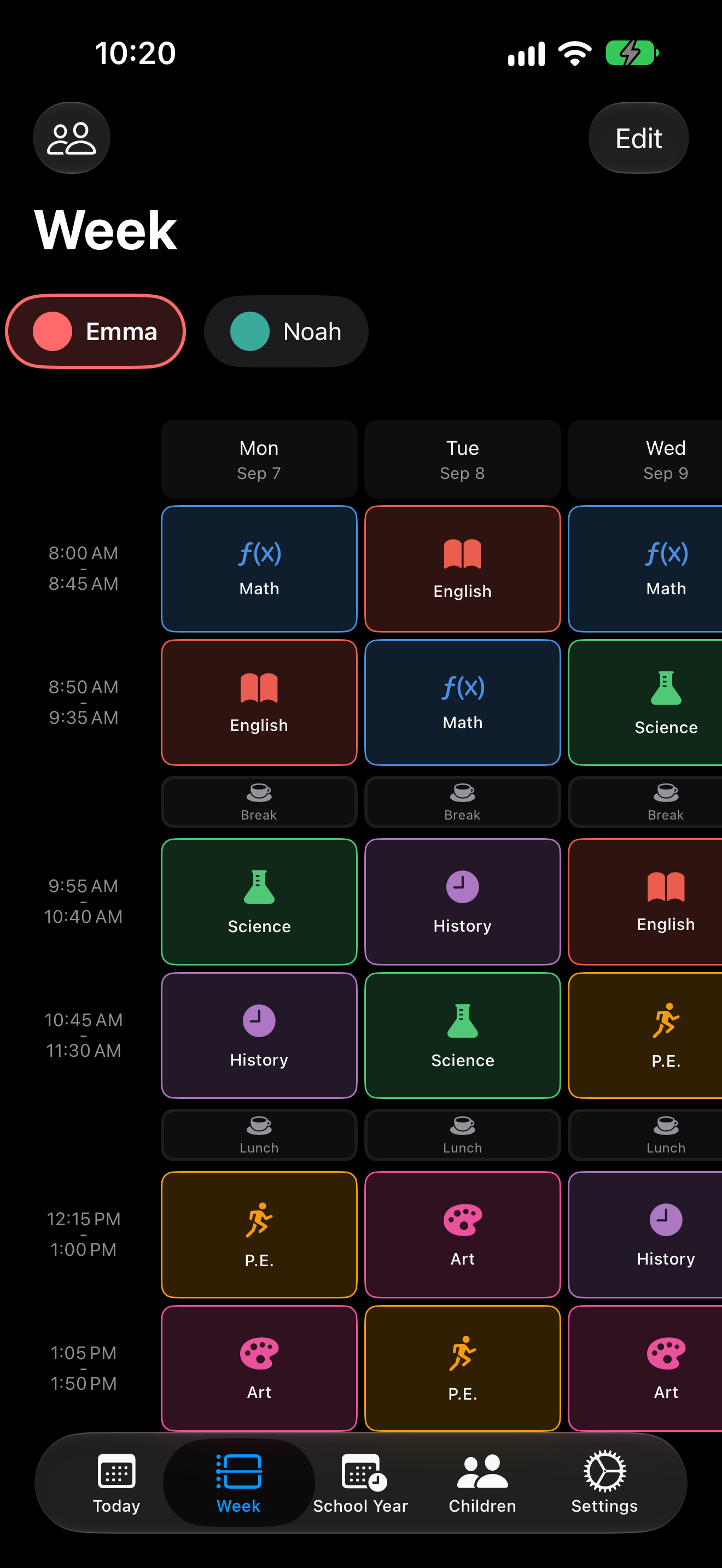
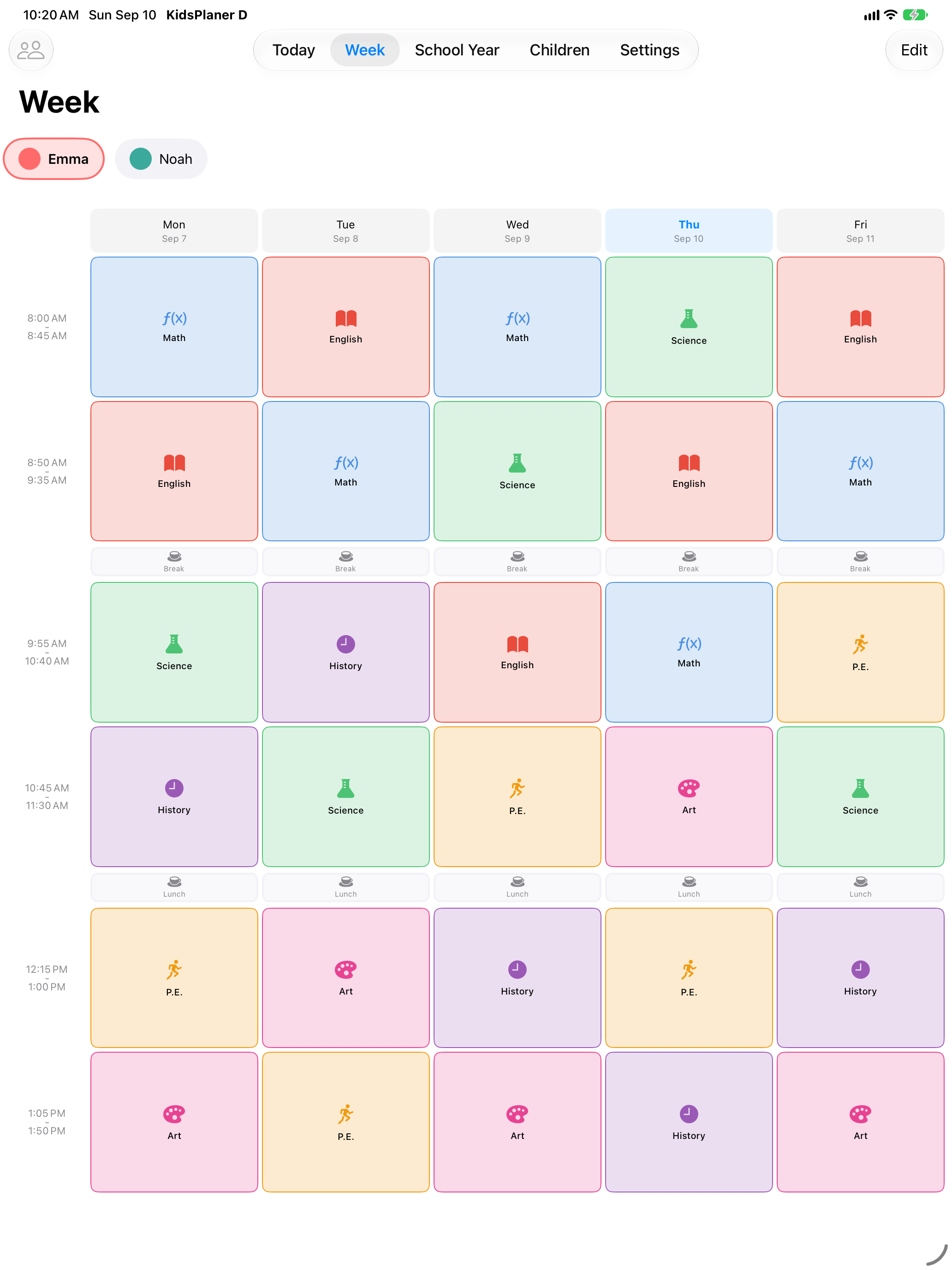
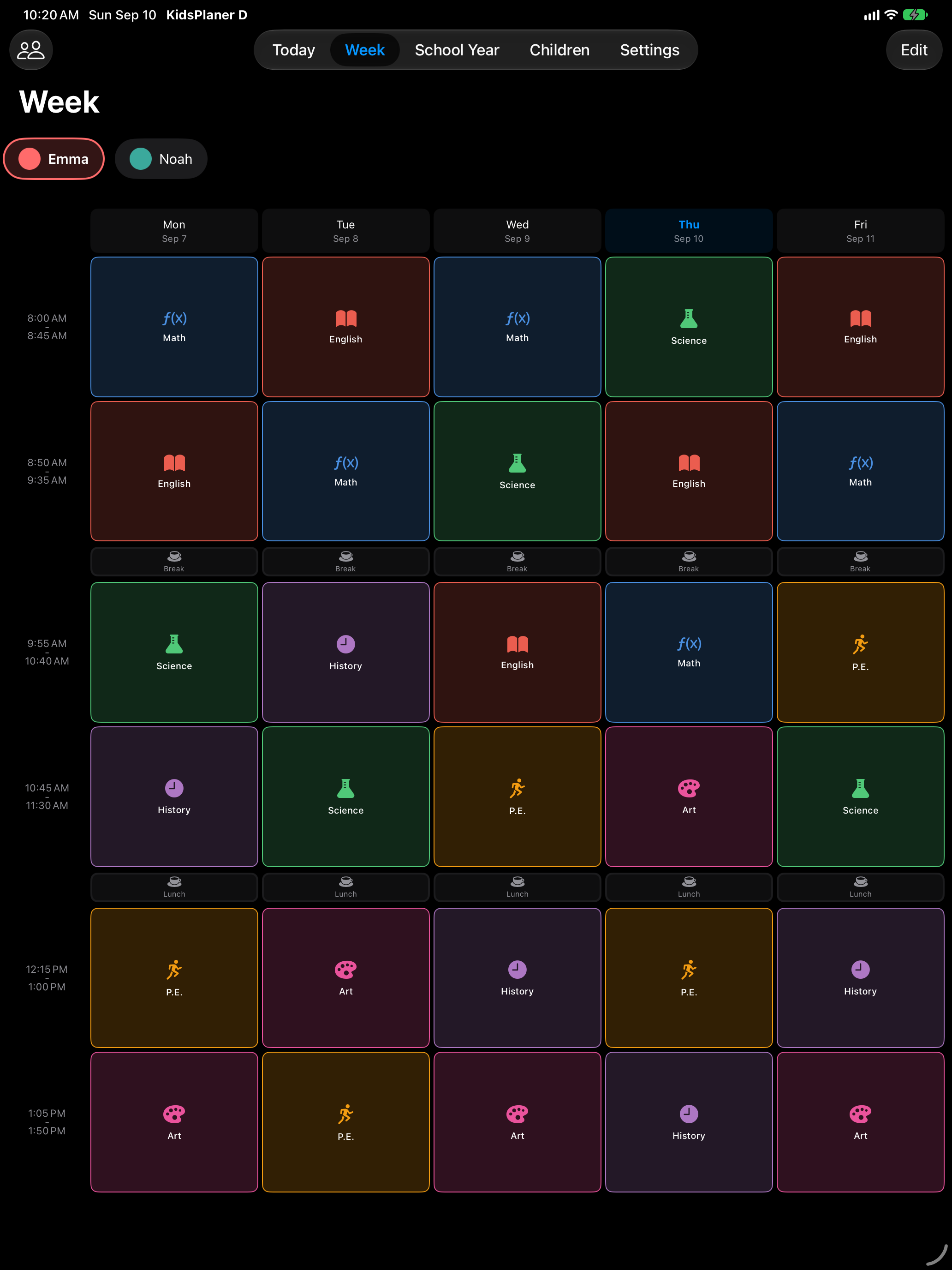
- Week grid and school year view with holidays, public holidays and events.
- Holidays and events per child; on days off the schedule stays quiet.
- Home Screen widgets in several sizes, one child per widget.
- Siri shortcuts and Spotlight search for subjects and events.
- iPhone and iPad, synced through iCloud, works offline.
- KidsPlaner Pro (one-time purchase): share a child's schedule with a second iCloud account, import holidays and events from a calendar.
Images
Click any image for the full-resolution file. The screenshots show sample data.
iPhone, light · 1320 × 2868
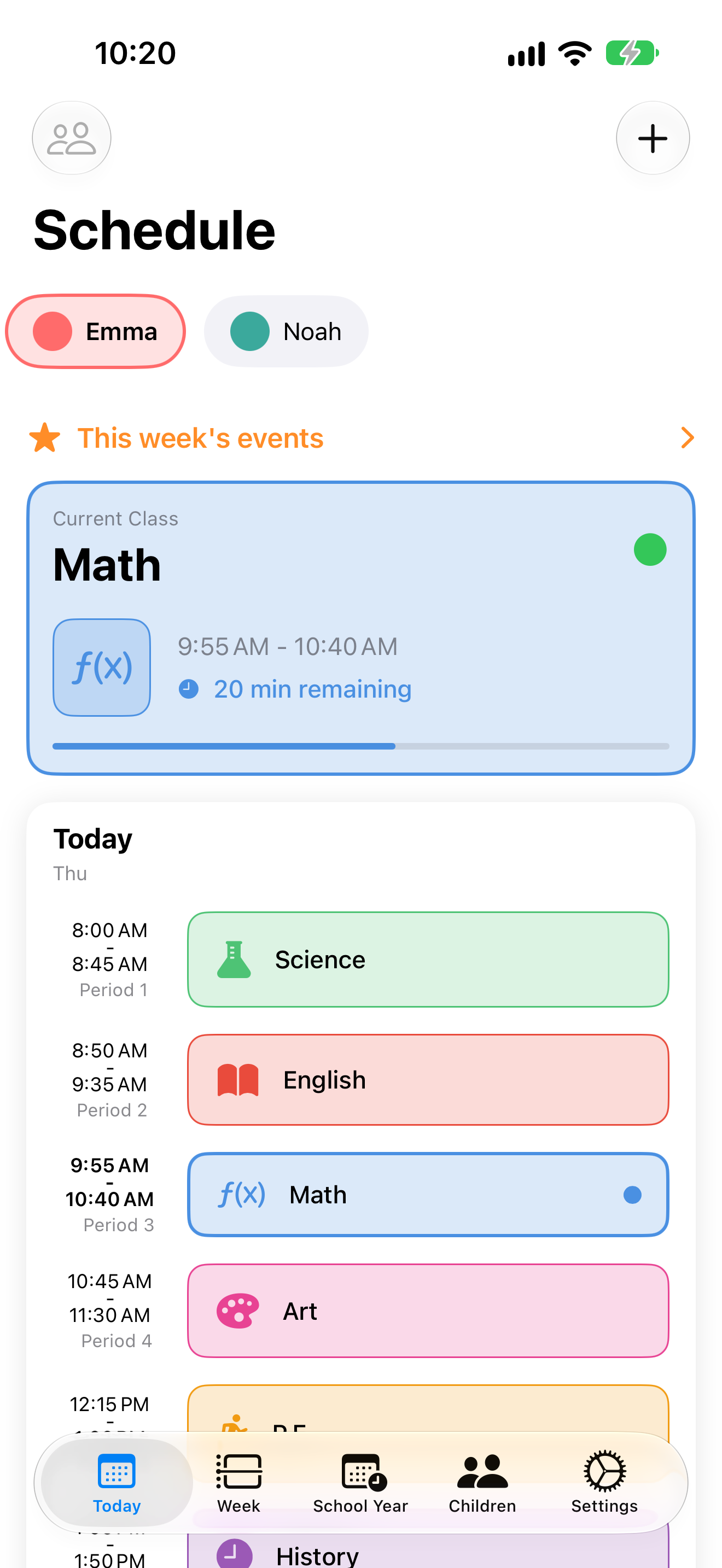 Today view
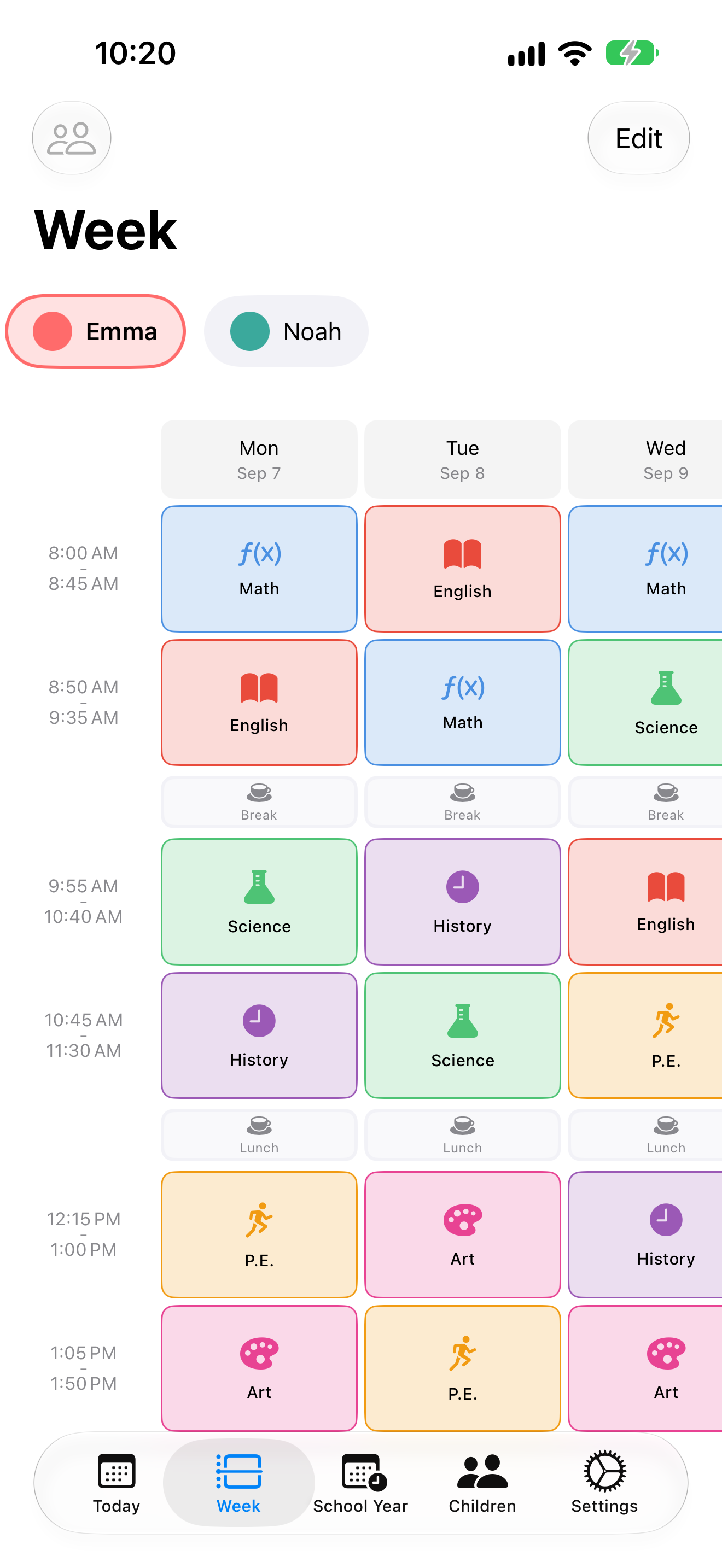 Week grid
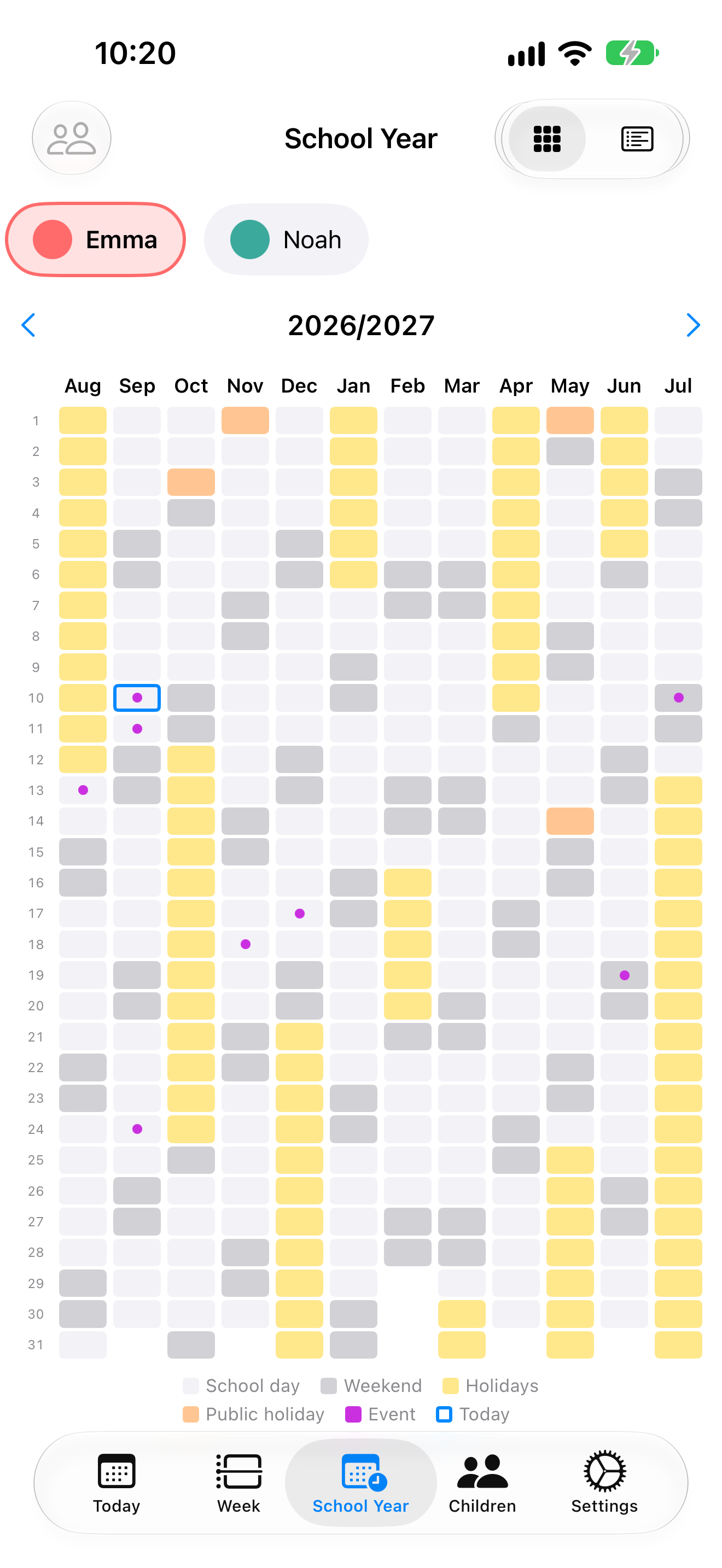 School year, compact
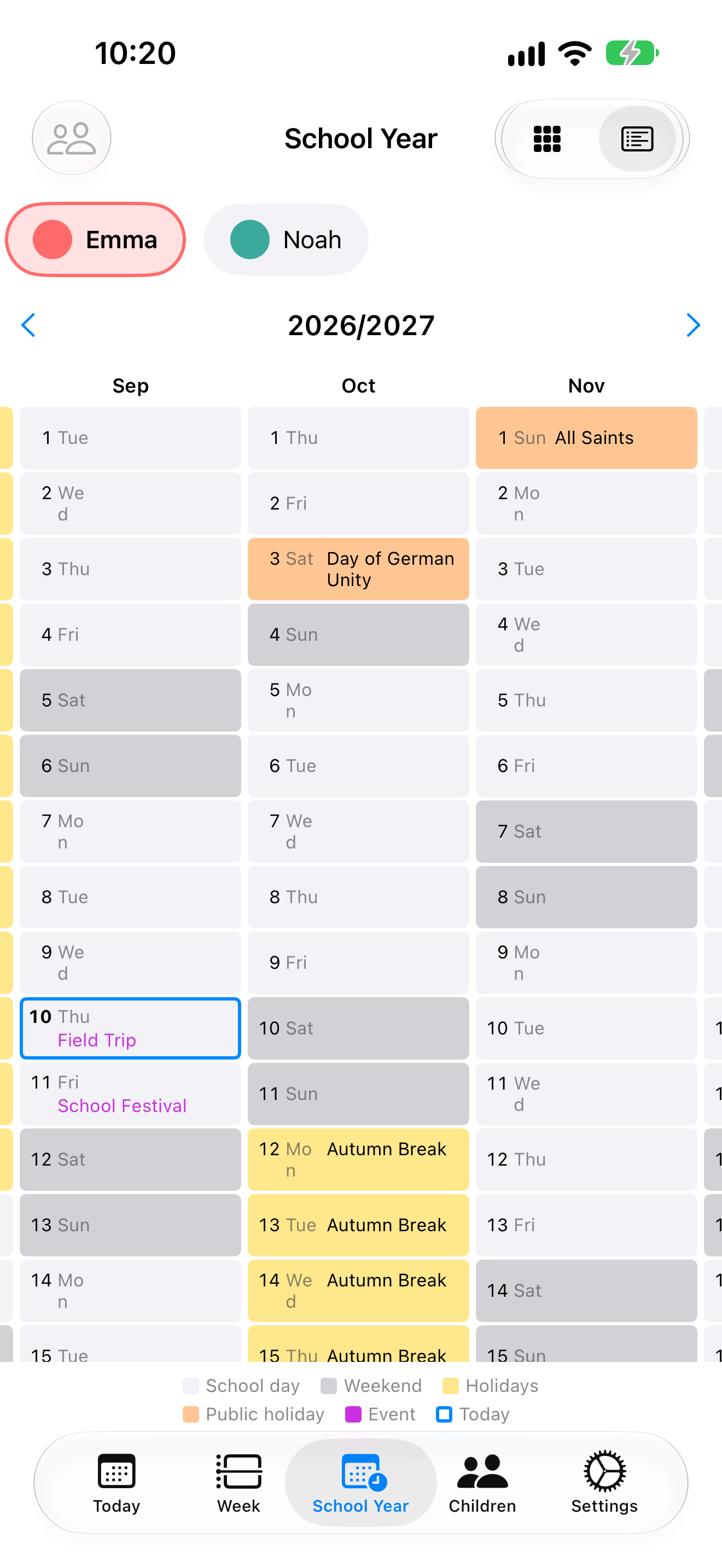 School year, detailed
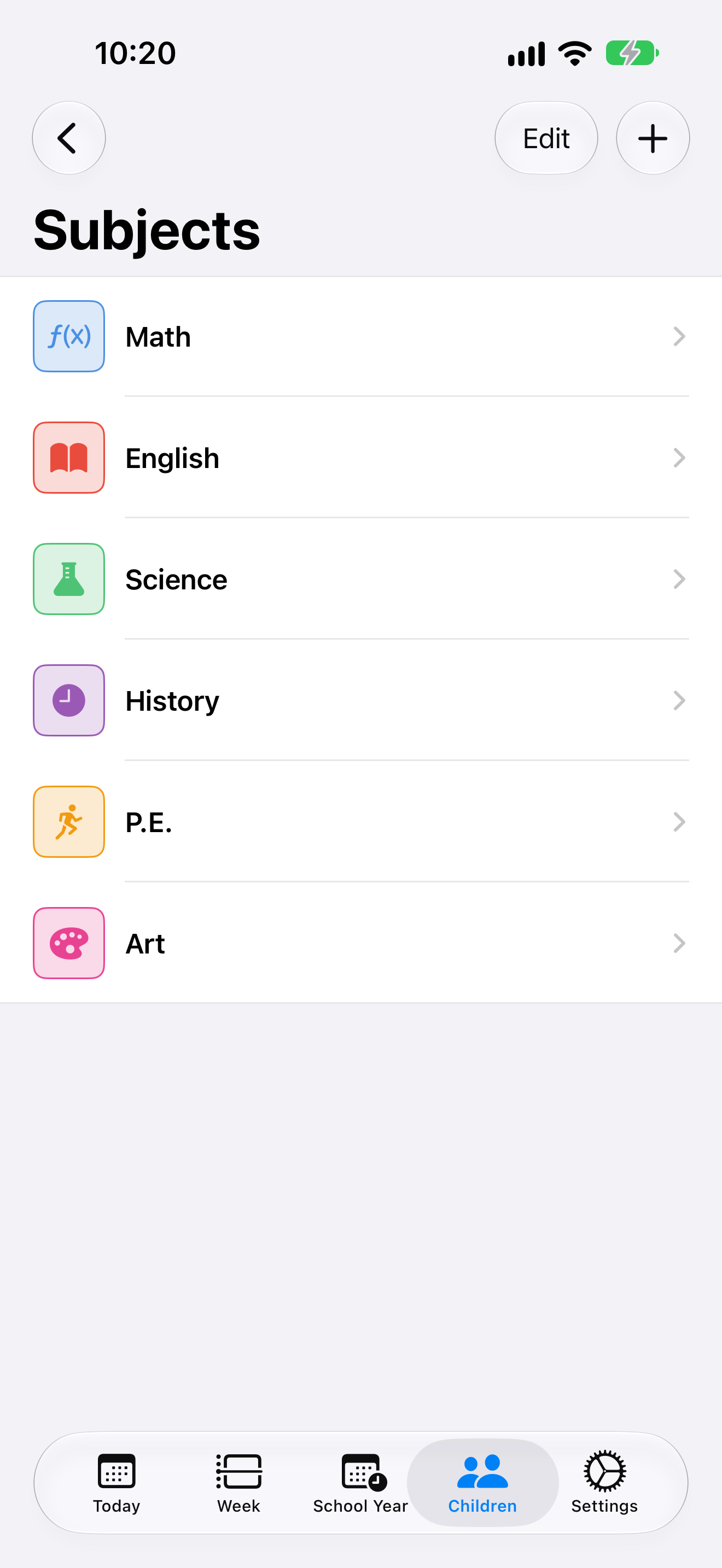 Subjects
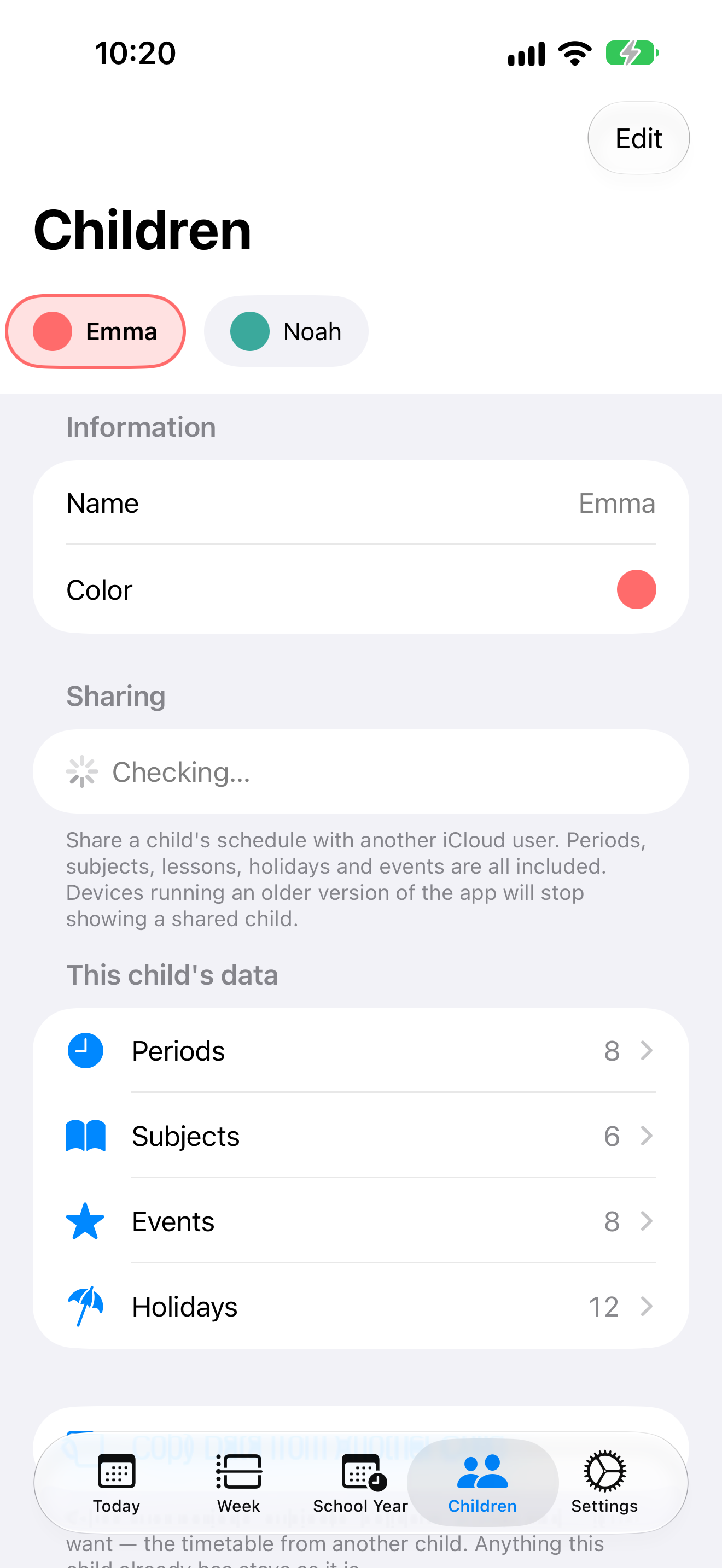 Children and sharing
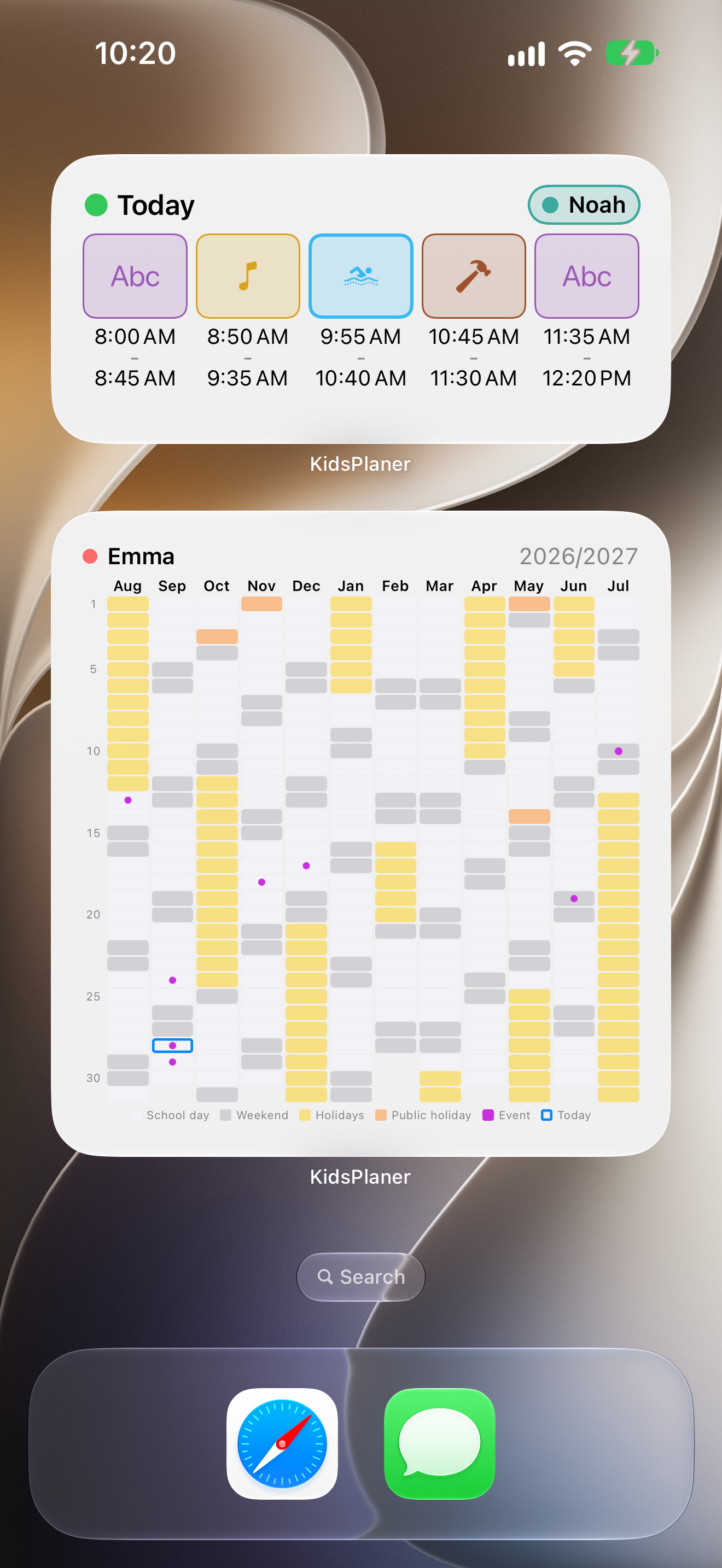 Widgets on the Home Screen
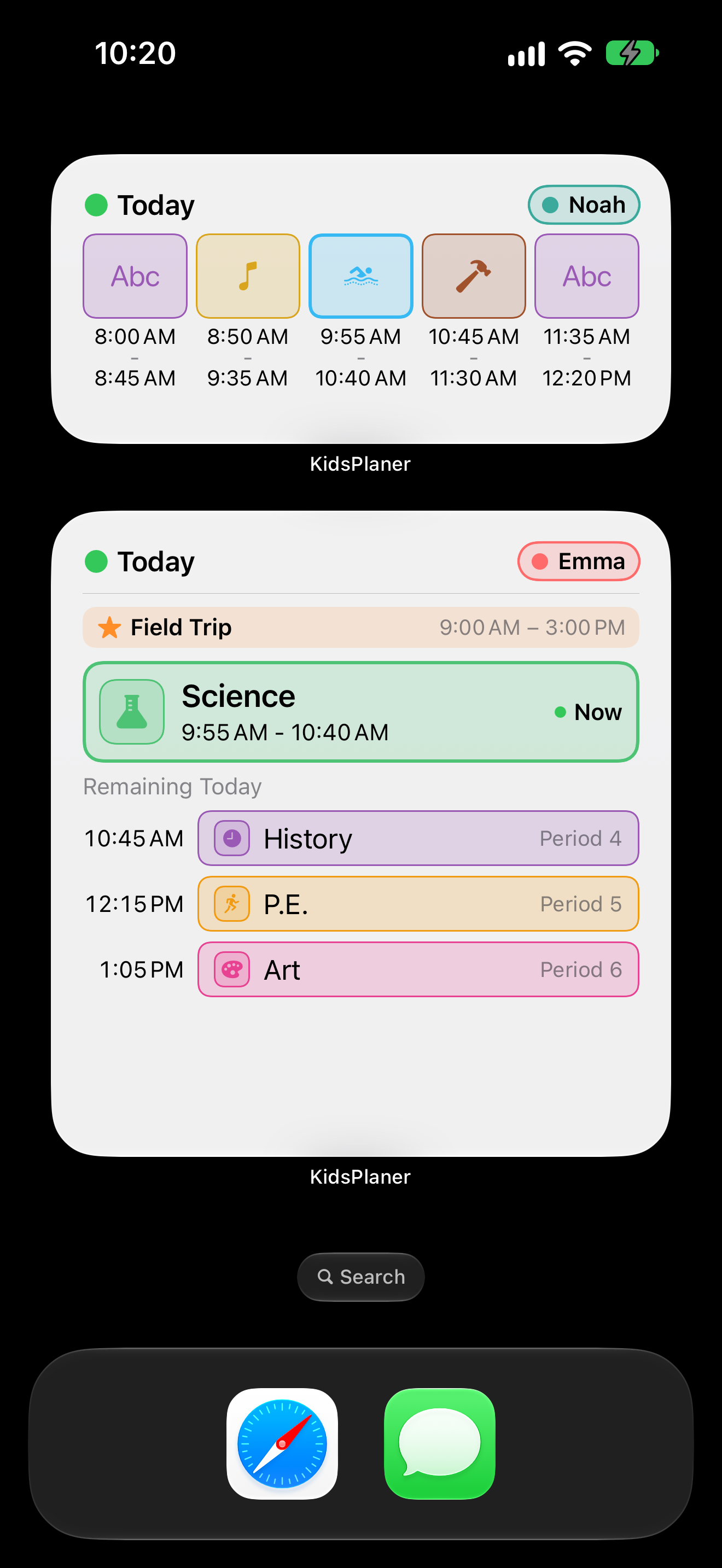 Schedule widgets
iPhone, dark · 1320 × 2868
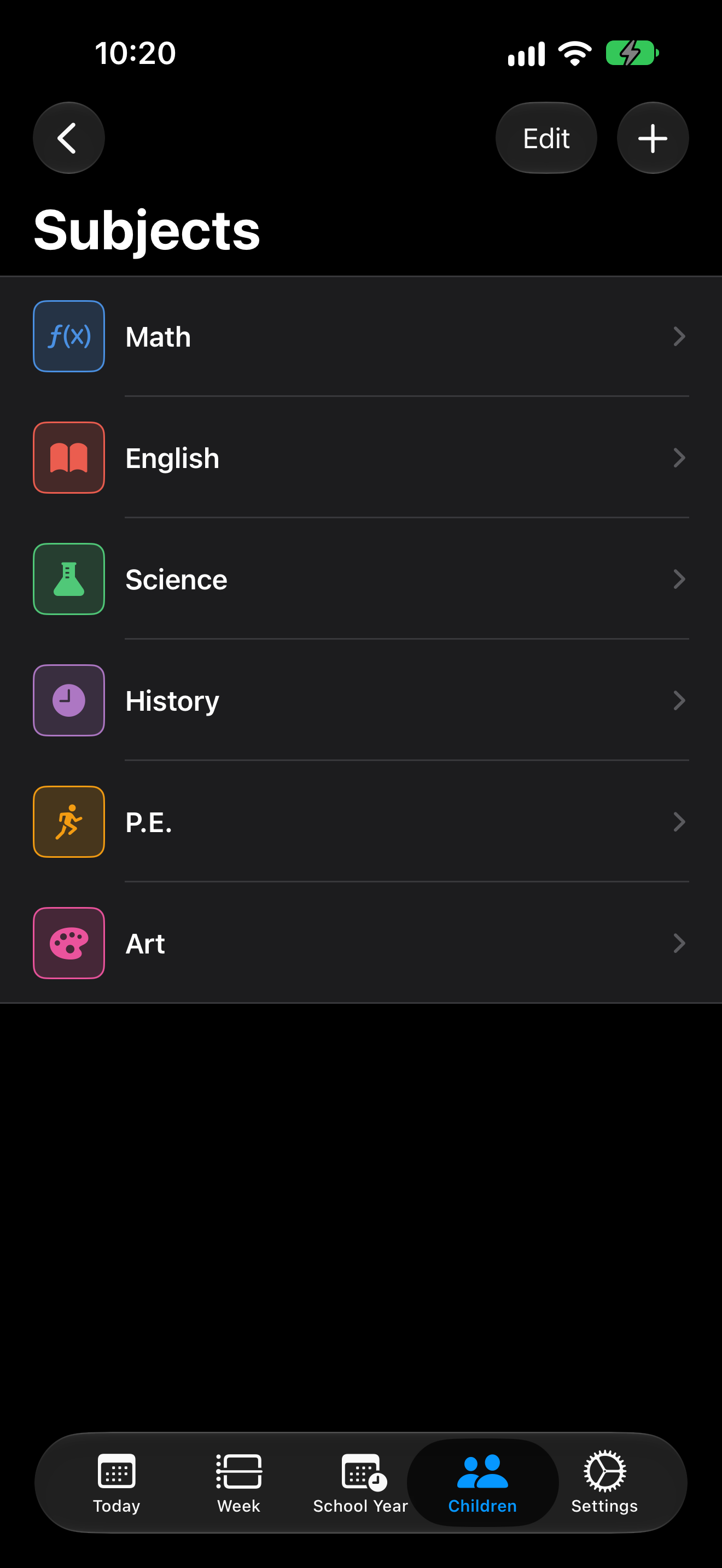
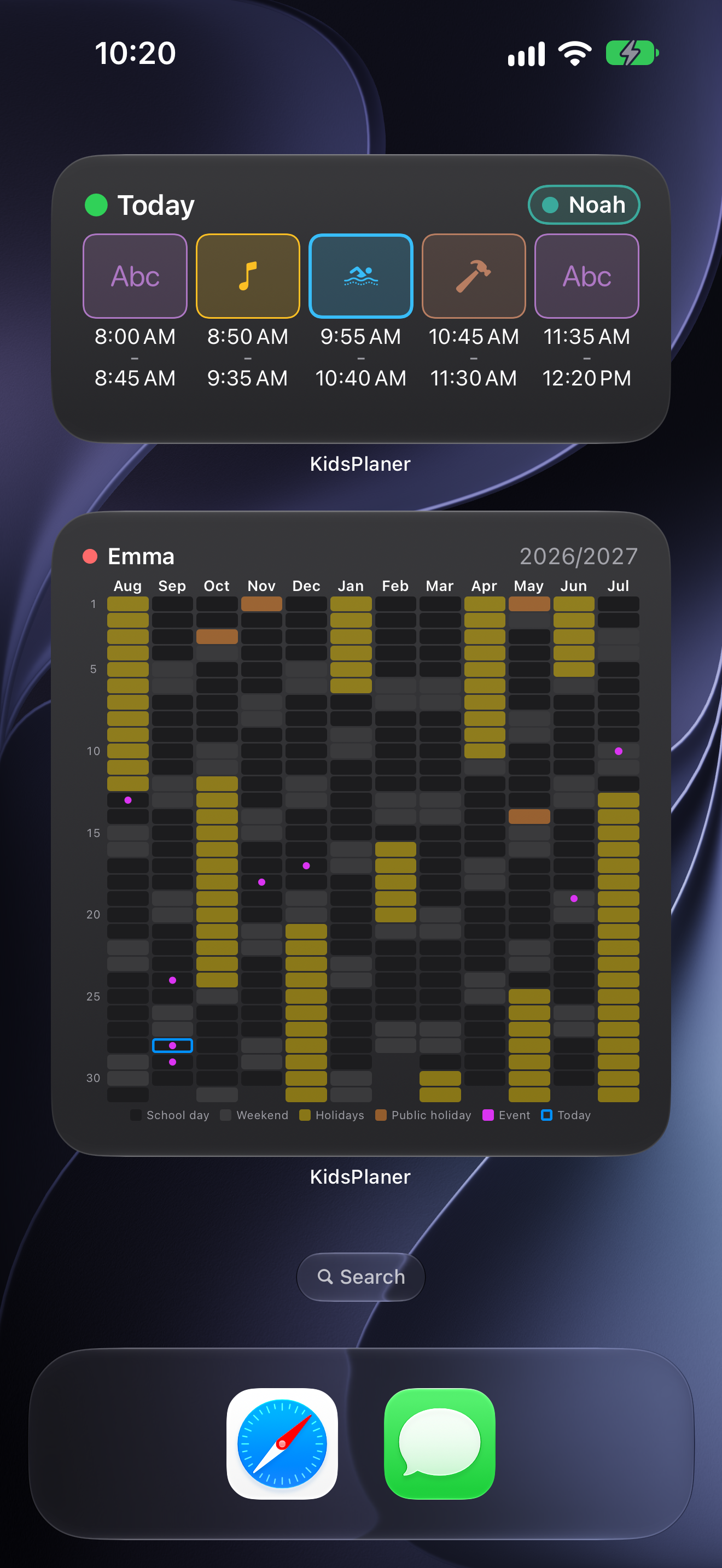
iPad · 2064 × 2752
App Store images with captions · 1320 × 2868
App icon
PNG: 1024 × 1024 · 512 × 512 · 256 × 256
Video
Demo without sound, 20 seconds, 1920 × 1080: kidsplaner-demo-en.mp4
About the developer
Thorsten Stark is an independent iOS developer from Berlin, Germany, and has been building apps since 2009. KidsPlaner exists because he wanted to see straight away in the morning which period his child has to be at school for, and whether the PE kit has to come along. He also makes Batteries At Home, an app that keeps track of the batteries in household devices.
Contact
Thorsten Stark · mail@thorsten-stark.de
Usage
Screenshots, app icon and video may be used in coverage of KidsPlaner. Please don't alter the icon.