 KidsPlaner
Right where you already look
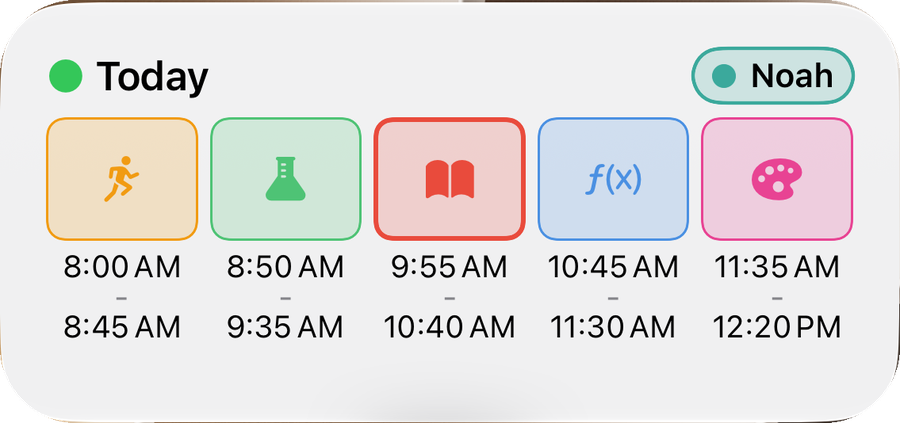
No photo in the gallery, no note on the fridge. The schedule sits on your Home Screen as a widget.
The school schedule app for kids, on iPhone and iPad. Every morning your child knows what goes in the backpack. Own periods, own subjects, own holidays — enter it once, after that the plan lives on the Home Screen.
 Free · no subscription · no account
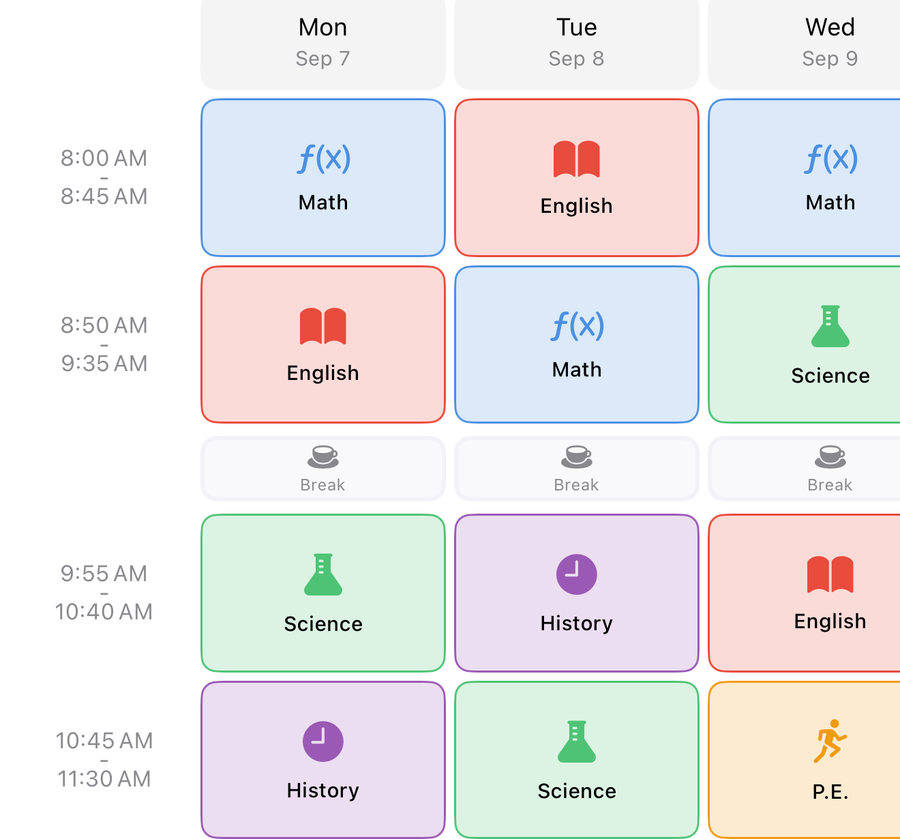
No photo in the gallery, no note on the fridge. The schedule sits on your Home Screen as a widget.
Everyday use is free. Pro is a one-time purchase, shared through Family Sharing.
No sign-up, no email address. Schedules and events live on the device and in your private iCloud.
All of it included, without a purchase.
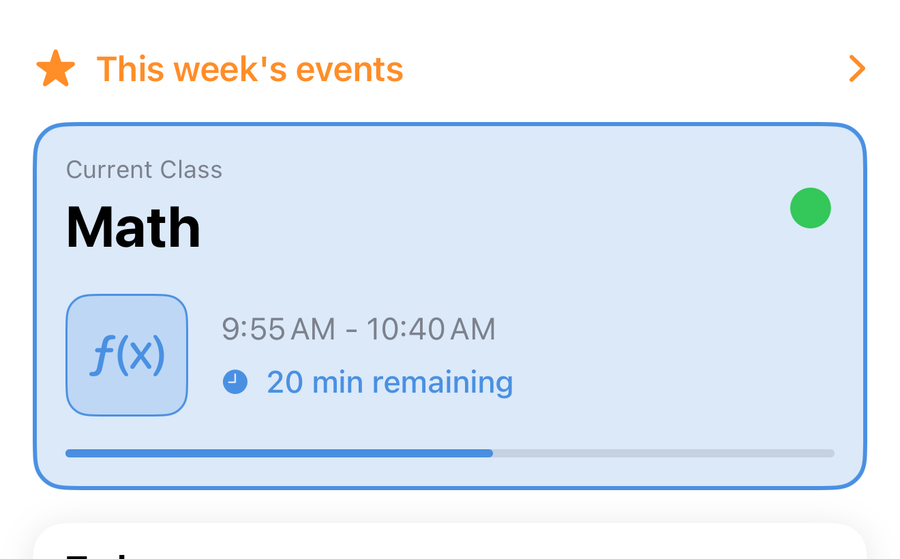
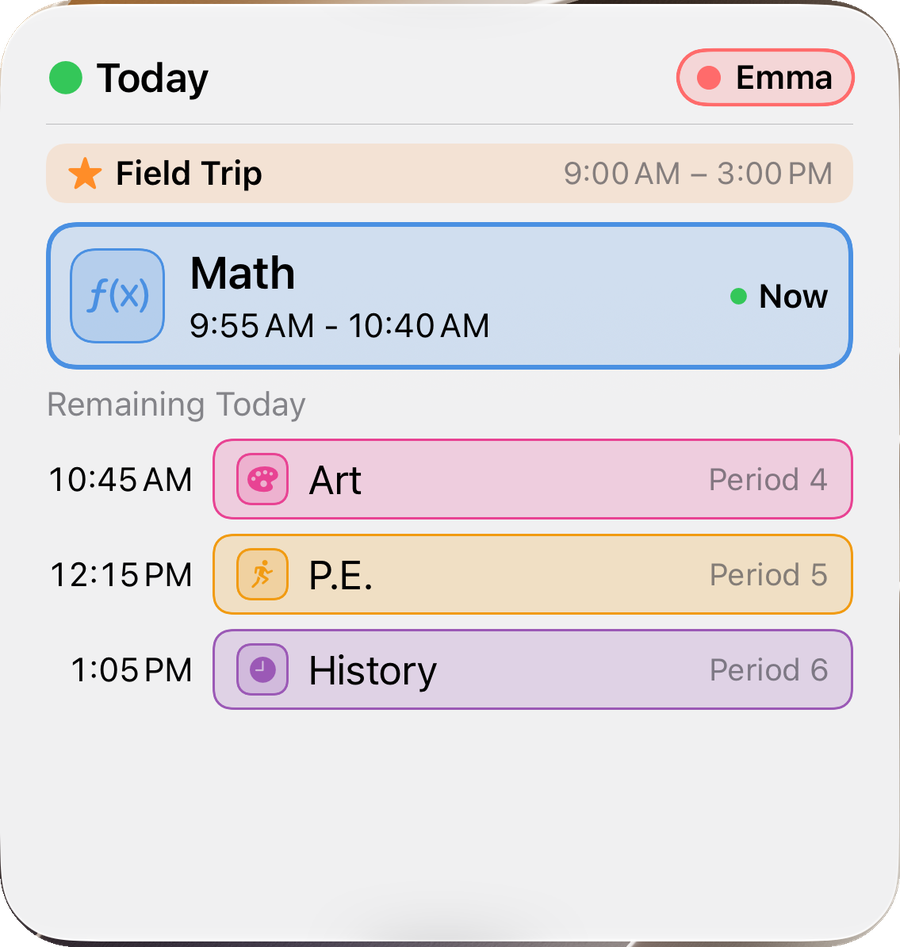
The lesson in progress with a progress bar, and what follows. Tomorrow's schedule the evening before — and if tomorrow is free, the app says so instead of listing empty rows.
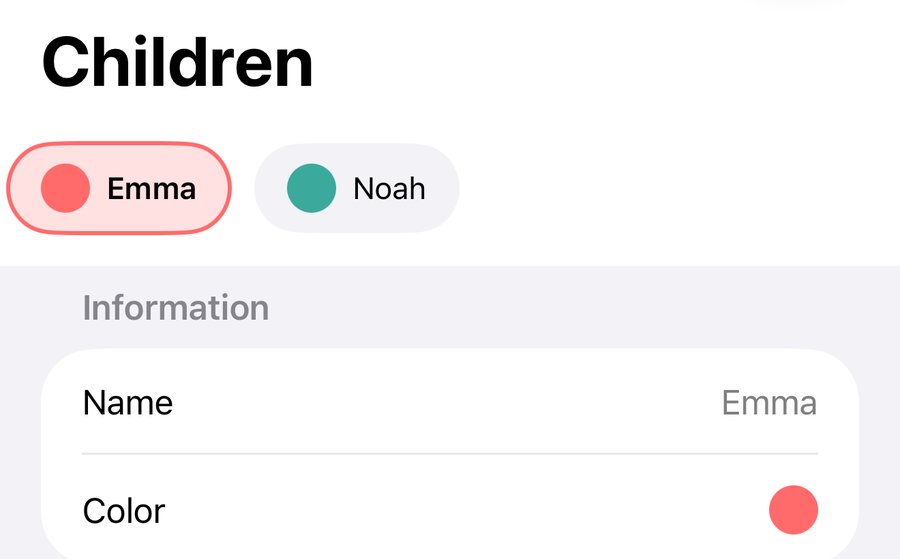
Every child has its own periods — handy when the schools run on different bells. Switching takes one tap, in every view.
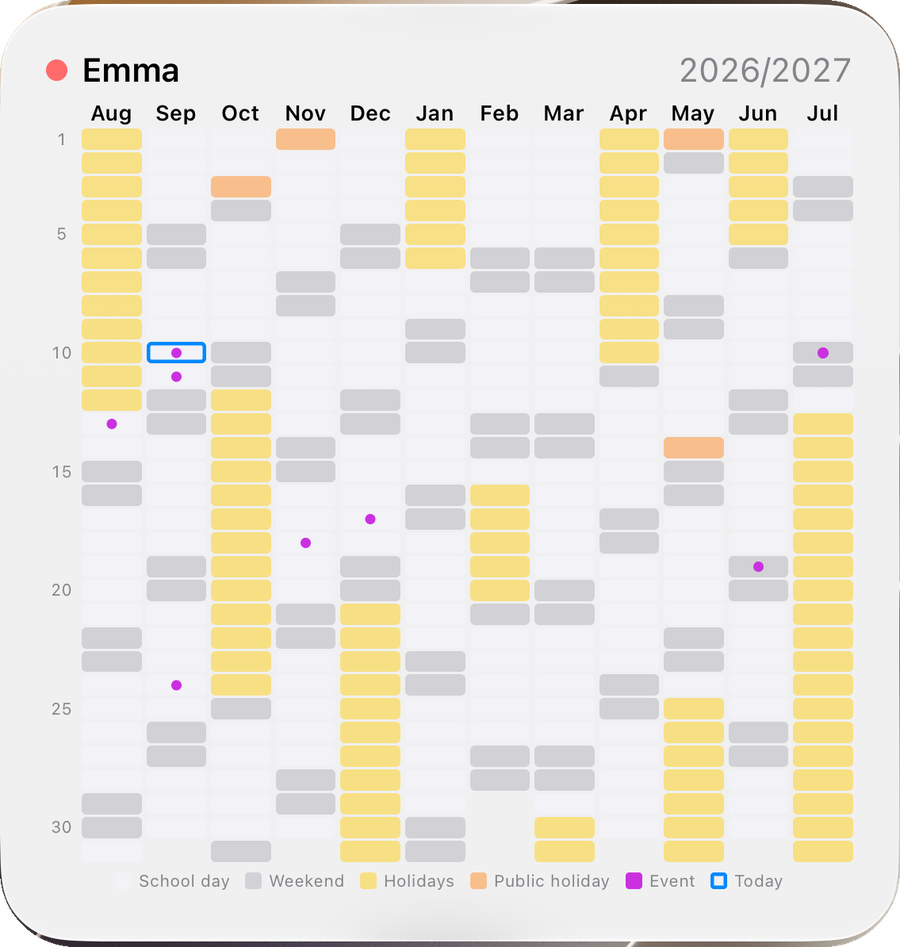
Every month side by side, with holidays, public holidays and events marked.
Set per child. On those days the schedule knows to stay quiet.
The schedule without opening the app. Each widget can be set to a different child.
No asterisks, no trial period, no subscription.
Free · everything that matters
No limits, no ads.
KidsPlaner Pro · one-time purchase
One purchase, no subscription, shared through Family Sharing. Whoever accepts an invitation does not need Pro themselves.
I'm Thorsten, an iOS developer from Berlin, and I've been building apps since 2009. KidsPlaner exists because I wanted to see straight away in the morning which period my child has to be at school for — and whether the PE kit or anything else has to come along.
As many as you like — each with its own colour, its own periods and its own subjects.
Yes. The schedule lives on the device and syncs through iCloud as soon as there is a connection again.
By hand always. From a calendar you already subscribe to with KidsPlaner Pro.
No. The app is free, Pro is a one-time purchase and works with Family Sharing.
Yes, and it uses two columns there. iPhone and iPad stay in sync through iCloud.
On the device and in your private iCloud. There is no account with me and no server of my own.